
Adoption
Make Atlantis Marina easier to roll out.
Staff learn the platform from the screen they are using, so training does not depend on memorized docs, repeated manager walkthroughs, or support back-and-forth.
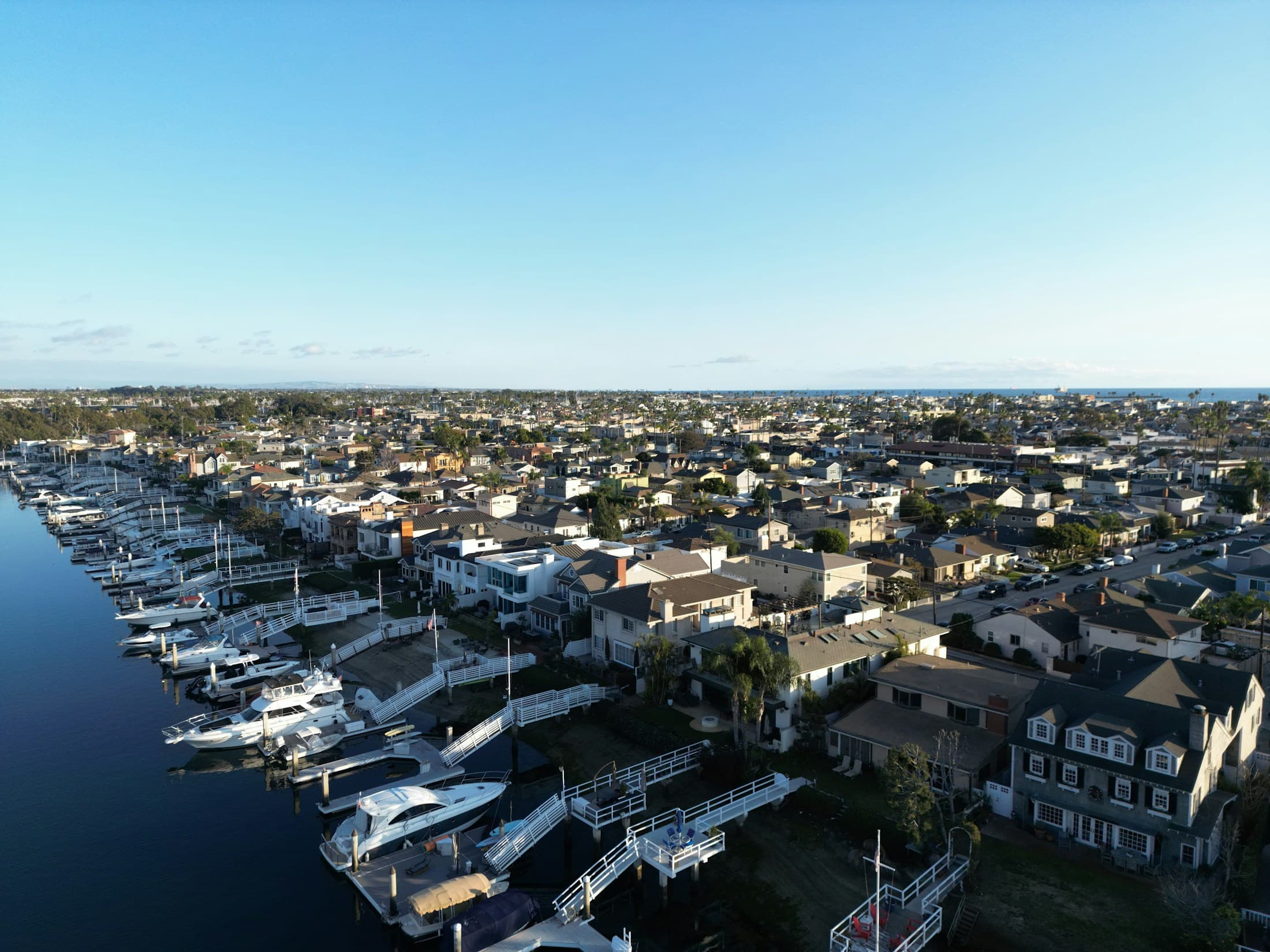
Staff training
Atlantis Bot gives new, seasonal, and cross-trained staff a guided path through Atlantis Marina so managers spend less time repeating workflows during peak operating windows.
Product Help
Atlantis Marina dashboard
Example prompts
Atlantis Bot
Staff platform guidance
A reservation specialist learns from the live screen
Question: How do I upload insurance?
Answer: Open Documents or the reservation document step
Verify: Customer, vessel, status, and expiration date
Safe by design
Guides and drafts. Staff review actions.
Platform value
The business case is faster staff adoption, fewer repeated support questions, safer daily workflows, and a clearer path through the Atlantis Marina operating system.
Adoption
Staff learn the platform from the screen they are using, so training does not depend on memorized docs, repeated manager walkthroughs, or support back-and-forth.
Operations
Atlantis Bot turns daily prompts into safe route buttons, highlight buttons, and reviewable next steps across reservations, documents, messaging, accounting, and Facility Knowledge.
Control
The assistant guides, drafts, and opens workspaces. Staff still review customer details, messages, documents, billing, and any future saved action.
Improvement
Atlantis Central analytics reveal common questions, weak help coverage, and training opportunities so owners and managers can improve guidance as staff use the platform.
Always in the workflow
From eligible staff pages, teams can guide the current screen, ask Atlantis Bot, or open the Help Center without losing their place in Atlantis Marina.
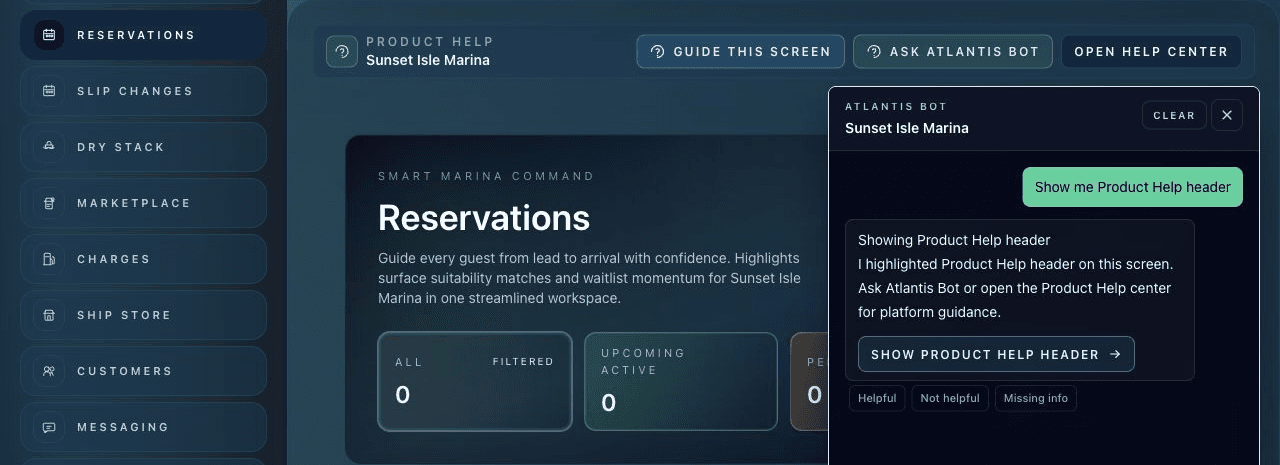
Learn where to find reservations, documents, quote details, customer records, and reviewable message drafts.
Open arrivals, facility maps, dry stack, slip changes, and daily operational workspaces faster.
Find help for charges, balances, statements, payment links, QuickBooks sync, and billing exceptions.
Use role context, staff questions, and adoption signals to reinforce standards without building a separate training program.
Turn common first-week questions into guided prompts and Product Help moments staff can use inside the dashboard.
Give temporary teams a reliable place to ask how Atlantis Marina works before peak traffic hits.
Training loop
Atlantis Bot turns onboarding into repeatable, screen-aware practice instead of disconnected training notes.
Onboarding example
Question
How do I upload insurance?
Answer
Open Documents or the reservation document step
Verify
Customer, vessel, status, and expiration date
Role context
Can review documents here
Staff use the actual workspace they need for reservations, documents, messaging, accounting, or operations.
Atlantis Bot answers from the current screen, Product Help, role context, and Facility Knowledge.
Guided screen tours and highlight buttons point staff to the specific panels and controls that matter.
Staff keep using the assistant as they move between pages, with recent chat preserved across refreshes.
Screen-first learning
A new staff member can ask "What can I do here?" and get a concise explanation of the page they are viewing, the work it supports, and the next safe action.
Manager leverage
Atlantis Bot answers common workflow questions from Product Help and Facility Knowledge so managers can spend less time repeating the same product instructions.
Practice prompts
Training works best when staff see prompts that map to real marina work, not abstract AI examples. Atlantis Bot is built for practical operating language.
Atlantis Marina workspaces
Atlantis Bot supports the operating surfaces where staff manage reservations, documents, messaging, Facility Knowledge, accounting, and daily work. The help happens where the work happens.
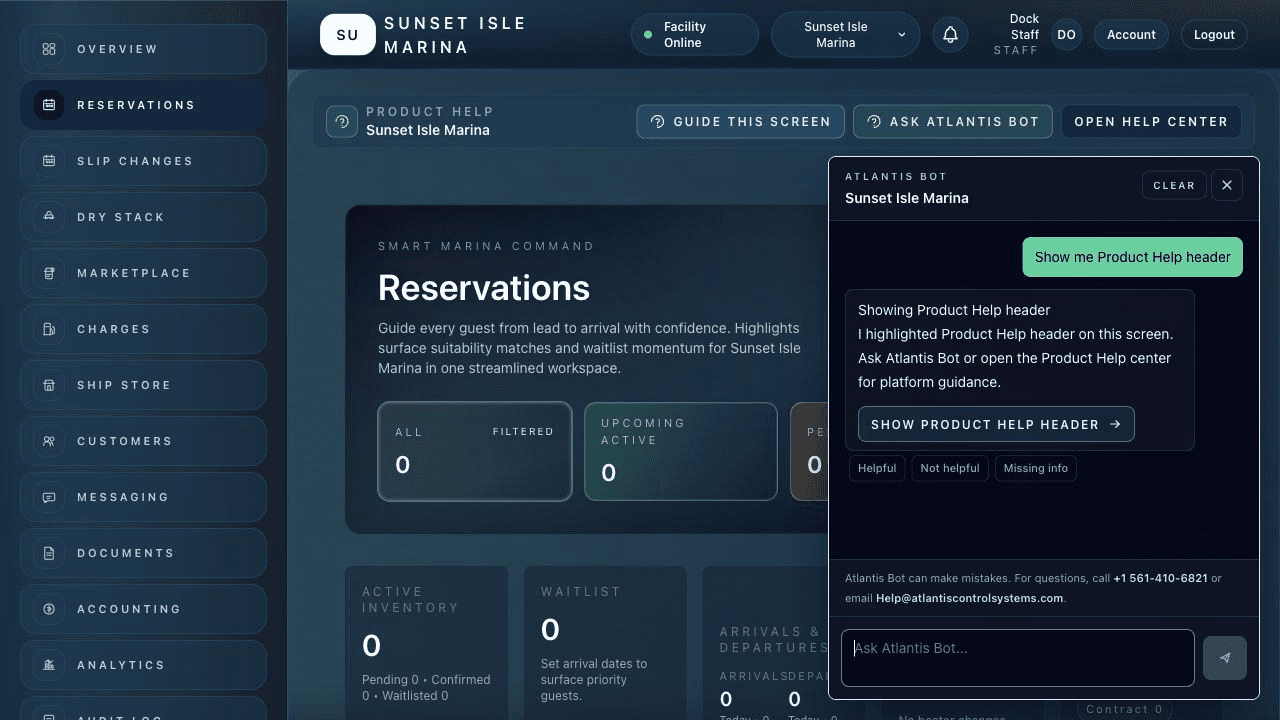
New reservation staff learn how to review requests, assigned spaces, dates, documents, and next steps from the live workflow.
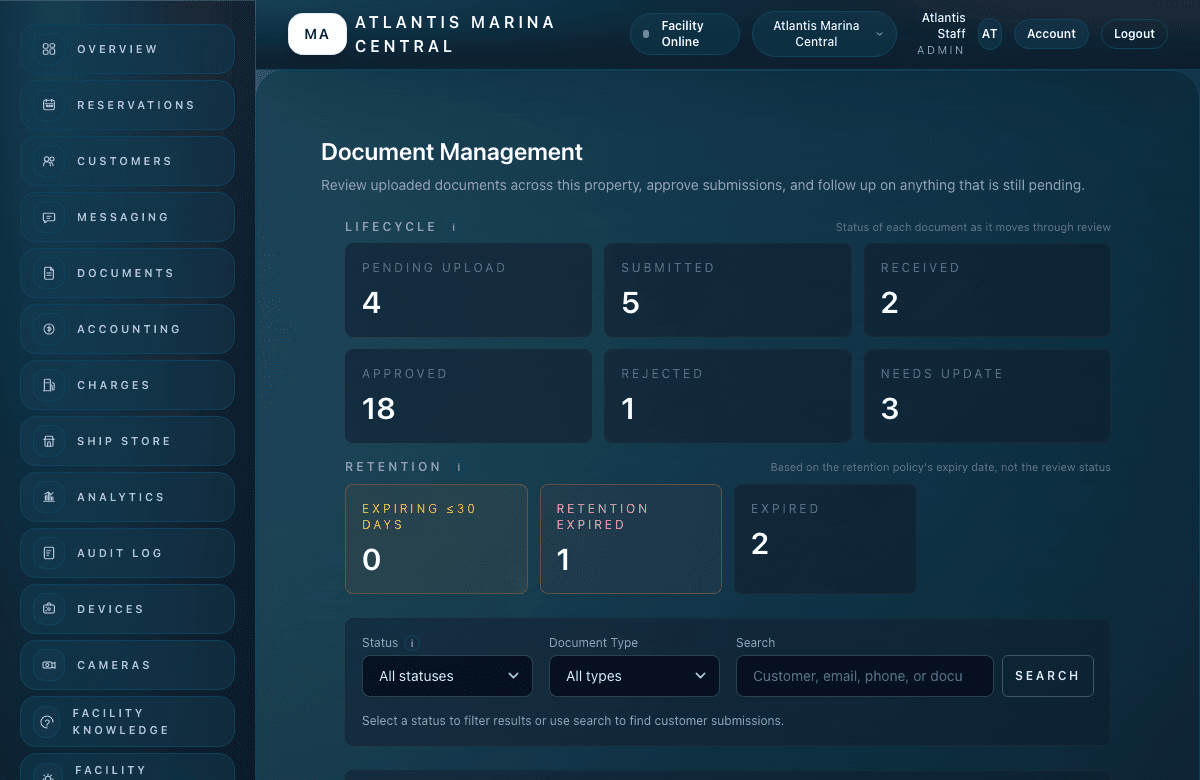
Staff can ask how insurance and registration workflows are reviewed before a reservation moves forward.
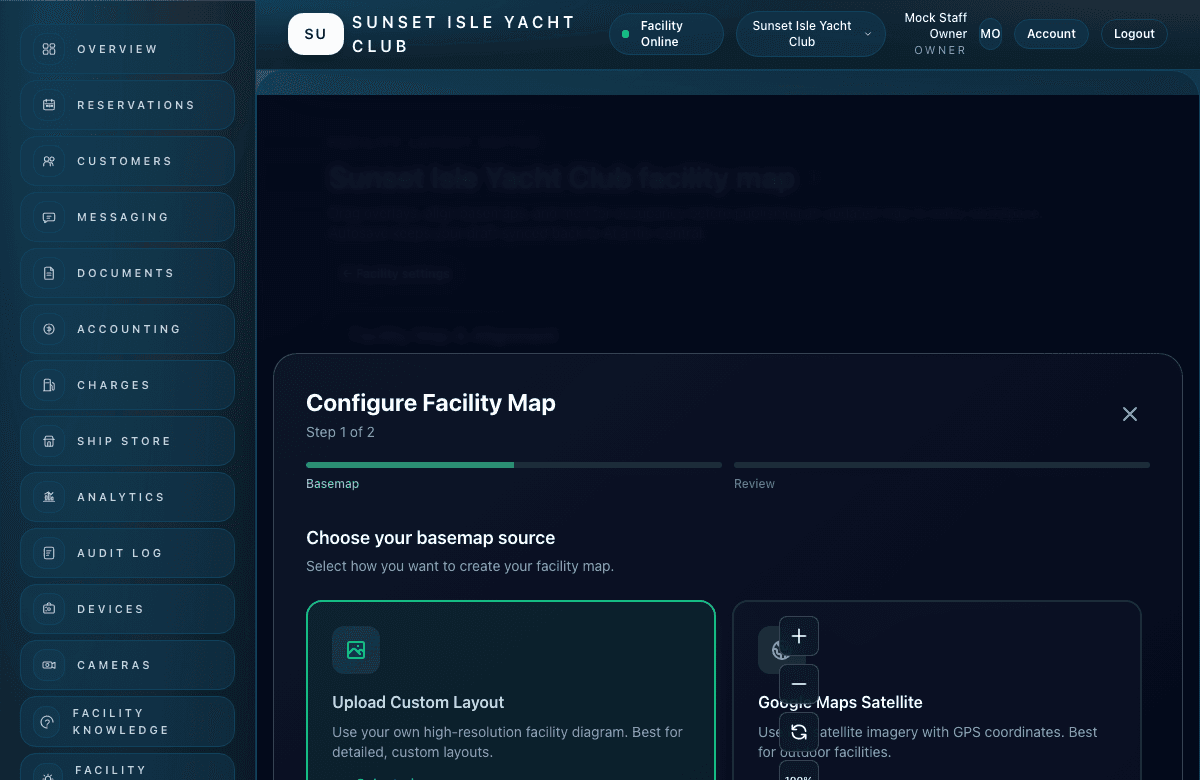
Dockmasters can orient around spaces, locations, and map-based operations without leaving the dashboard.
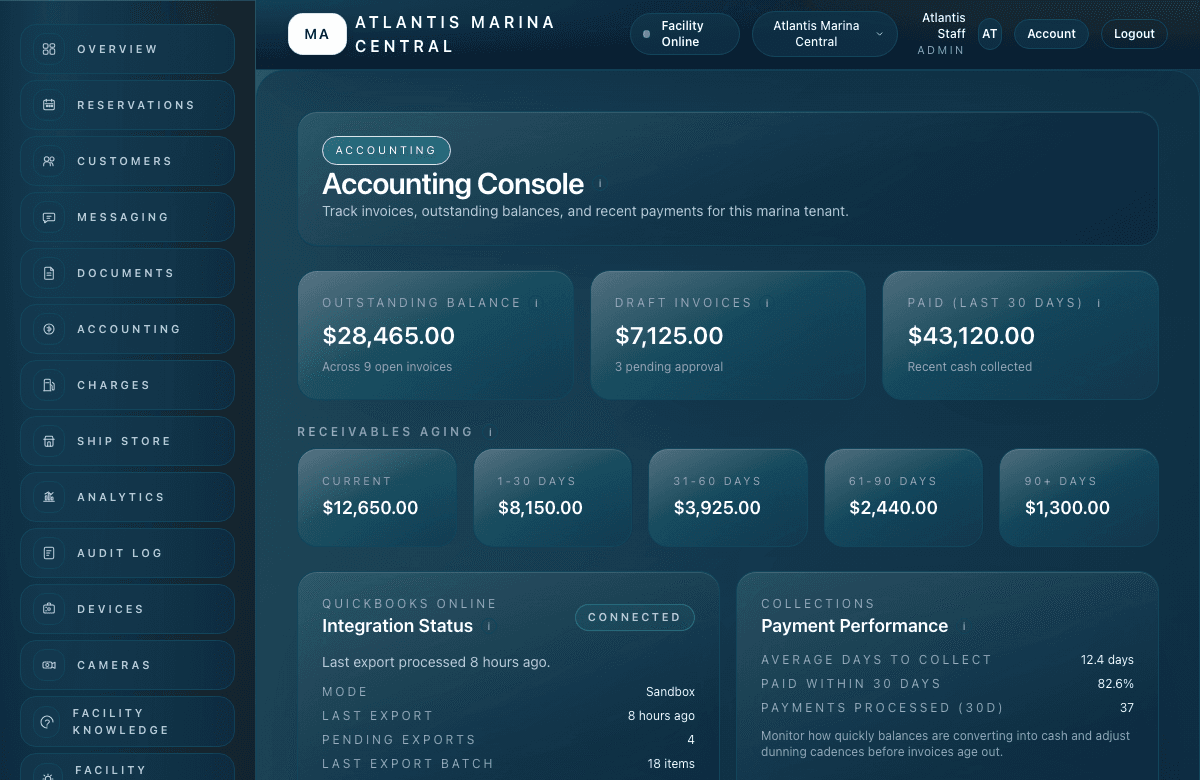
Accounting teams can learn where charges, invoices, payments, and billing exceptions are handled.
FAQ
Atlantis Bot can make mistakes. For questions, call +1 561-410-6821 or email Help@atlantiscontrolsystems.com. Staff should review important information before acting.
No. Atlantis Bot supports onboarding by making product and facility guidance available inside the dashboard. Teams should still train staff on facility policies, responsibilities, and escalation paths.
Yes. Atlantis Bot can use guided screen tours and highlight buttons to point staff toward visible page areas, tables, forms, filters, and controls.
Yes. Staff can ask what their role allows on a page, with responses grounded in available product and permission context.
Atlantis Bot
Built for marina owners, dockmasters, facility managers, reservation staff, and accounting teams that need the platform to feel easier from the first question.